










The custom kit is the product we sell the most of, and almost every question we get about it is the same one: will my photo work? Usually yes. Sometimes the answer is "yes, but pick a different one", and this article is about telling the two apart before you order.
Table of Contents
- What Happens to Your Photo
- The One Number That Matters: 390 Pixels
- Light: Where Most Photos Go Wrong
- Framing and Distance
- Subjects That Paint Well, and Ones That Fight You
- Good Photo, Bad Photo: A Side-by-Side Checklist
- Which Size and Colour Count for a Photo Kit
- Frequently Asked Questions
What Happens to Your Photo
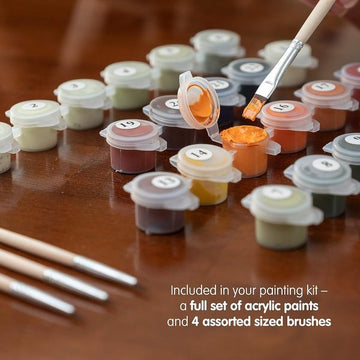
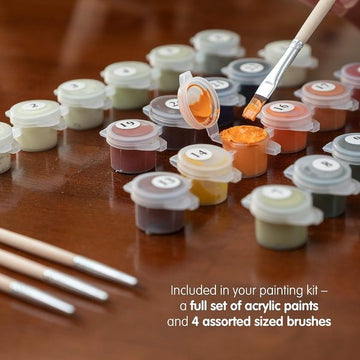
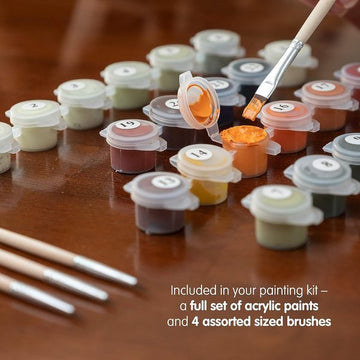
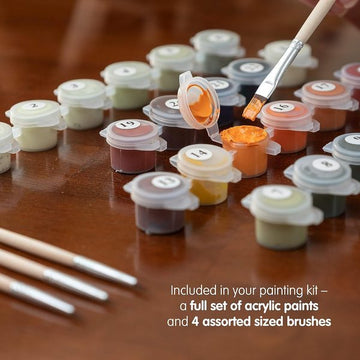
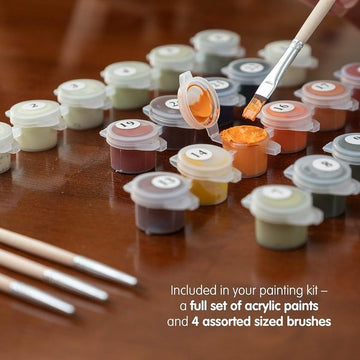
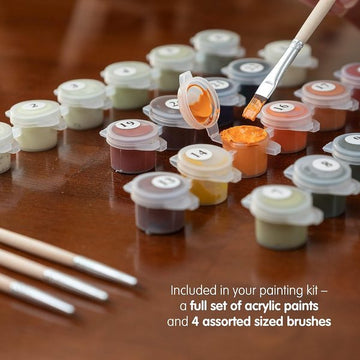
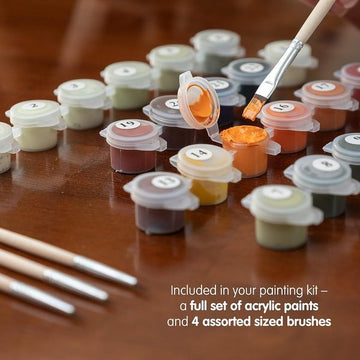
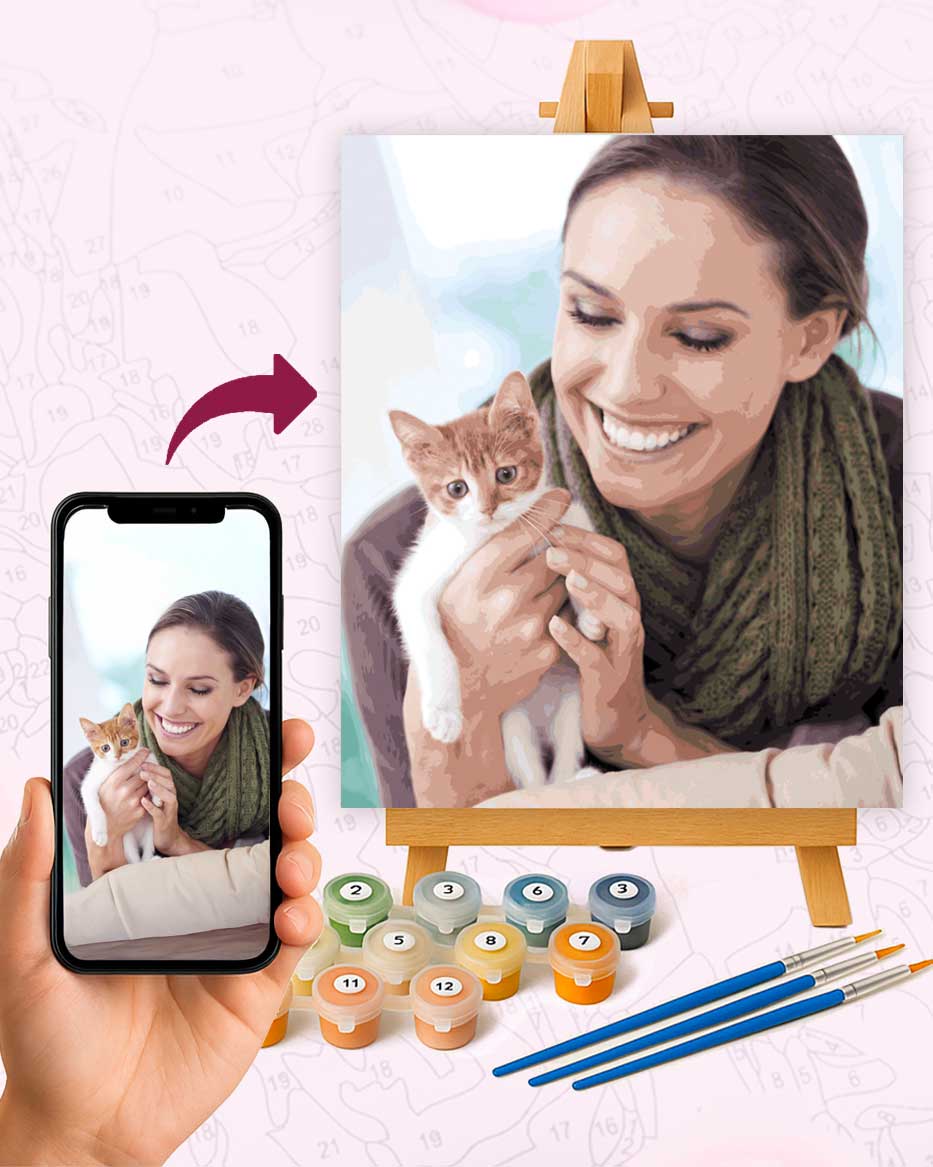
You upload a picture on the custom kit page, choose a size and a colour count, and we do the rest. The image is traced into numbered sections, the acrylics are mixed to match the colours in your photo, and the kit ships with the canvas, the paints and brushes. Free shipping worldwide, from $19.95.
The step that matters for you is the tracing. Every area of similar colour in your photo becomes one numbered section. A photo with clear shapes and clean colour boundaries turns into a canvas that is a pleasure to paint. A photo that is blurry, dark or busy turns into a canvas of tiny slivers that nobody enjoys.
The One Number That Matters: 390 Pixels
Every custom photo is measured against one threshold: the shorter side of the image must be at least 390 pixels. Below that, the tracing has too little information to work with and the sections come out ragged, so we would rather ask you for a better file than print something you will not like.
In practice, 390 pixels is a low bar for any photo taken on a phone in the last ten years. A picture straight from the camera roll is several thousand pixels on its short side. Where people fall under the line is with photos that have travelled: a picture saved from a messaging app, a screenshot of a screenshot, a thumbnail downloaded from a social profile, an old scan made at a low setting. Each hop shrinks the file.
To check, open the photo details on your phone or the file properties on a computer and read the dimensions. If the smaller number is under 390, go back to the source and ask for the original. And remember that pixels are the floor, not the ceiling: a large file of a badly lit face is still badly lit.
Have a photo in mind already?
Upload it on the custom kit page and it goes through the same resolution check as every order. From $19.95, free shipping, five sizes and three colour counts.
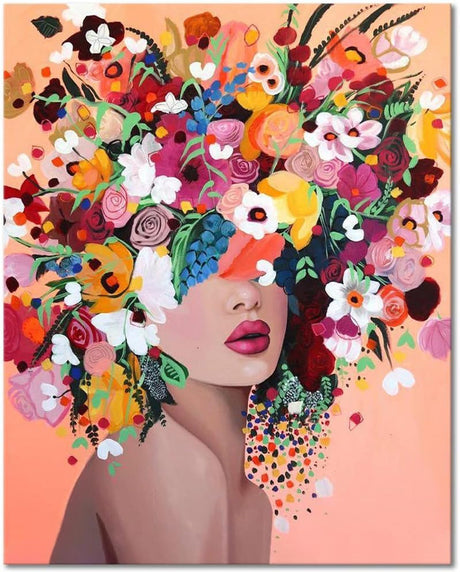
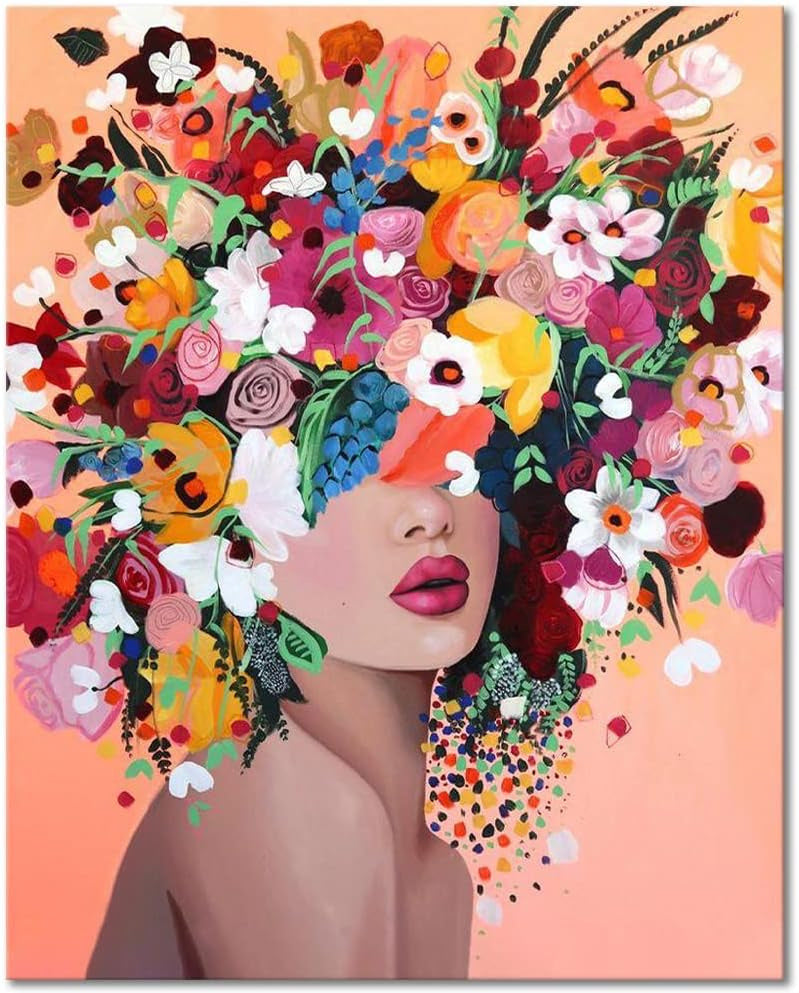
Prefer a ready-made design? Floral Dreamer is the one that sold the most this month.
Light: Where Most Photos Go Wrong
If I could change one thing about the photos people send, it would not be the resolution. It would be the light. Tracing works on contrast between areas of colour, and light is what creates that contrast.
Soft daylight is the best you can get. A subject near a window, or outside on an overcast day, has gentle shadows that give the face or the fur some shape without carving it into black and white. Harsh midday sun does the opposite: it burns the bright side of a face to a single flat colour and drops the other side into shadow, and the tracing follows suit.
Indoor evening shots under a ceiling light are the most common problem. The colours drift orange and the shadows fall straight down under the eyes. The photo looks fine on a phone screen because the screen is small and bright. On a 40x50 cm canvas the same shadows become large dark sections that dominate the painting.
Flash is worse still. It flattens everything, gives pets glowing eyes and leaves a hard shadow behind the subject. If the only photo you have of someone uses flash, pick a 36 or 48-colour kit so the tracing has more shades to soften the transitions.
Framing and Distance
A paint by numbers canvas rewards a subject that fills the frame. The most common mistake is the full-body shot taken from three metres away, where the person or the dog is a small figure in the middle and the rest is lawn, wall or sky. When that photo is traced, the background gets most of the sections and the face gets almost none.
Move closer, or crop before you upload. For a portrait, head and shoulders is the classic choice for a reason: the face gets the detail and the sections stay large. For a couple or a family, arrange people close together so the group reads as one shape rather than several islands.
Watch the edges. A hand or the top of a head cut off by the frame looks accidental on canvas in a way it never does in a snapshot. Leave a little room around the subject, because the canvas ratio may differ from your photo: the 12x12 and the Jumbo Square are square, the other three sizes are not.
Subjects That Paint Well, and Ones That Fight You
Some pictures are simply better raw material than others. These are the ones that turn into good paintings:
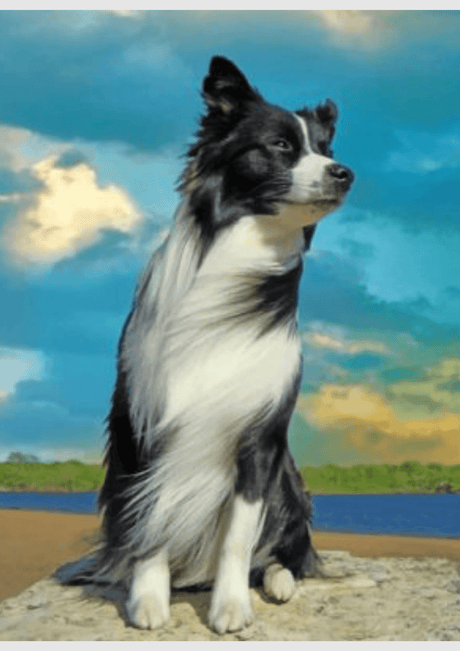
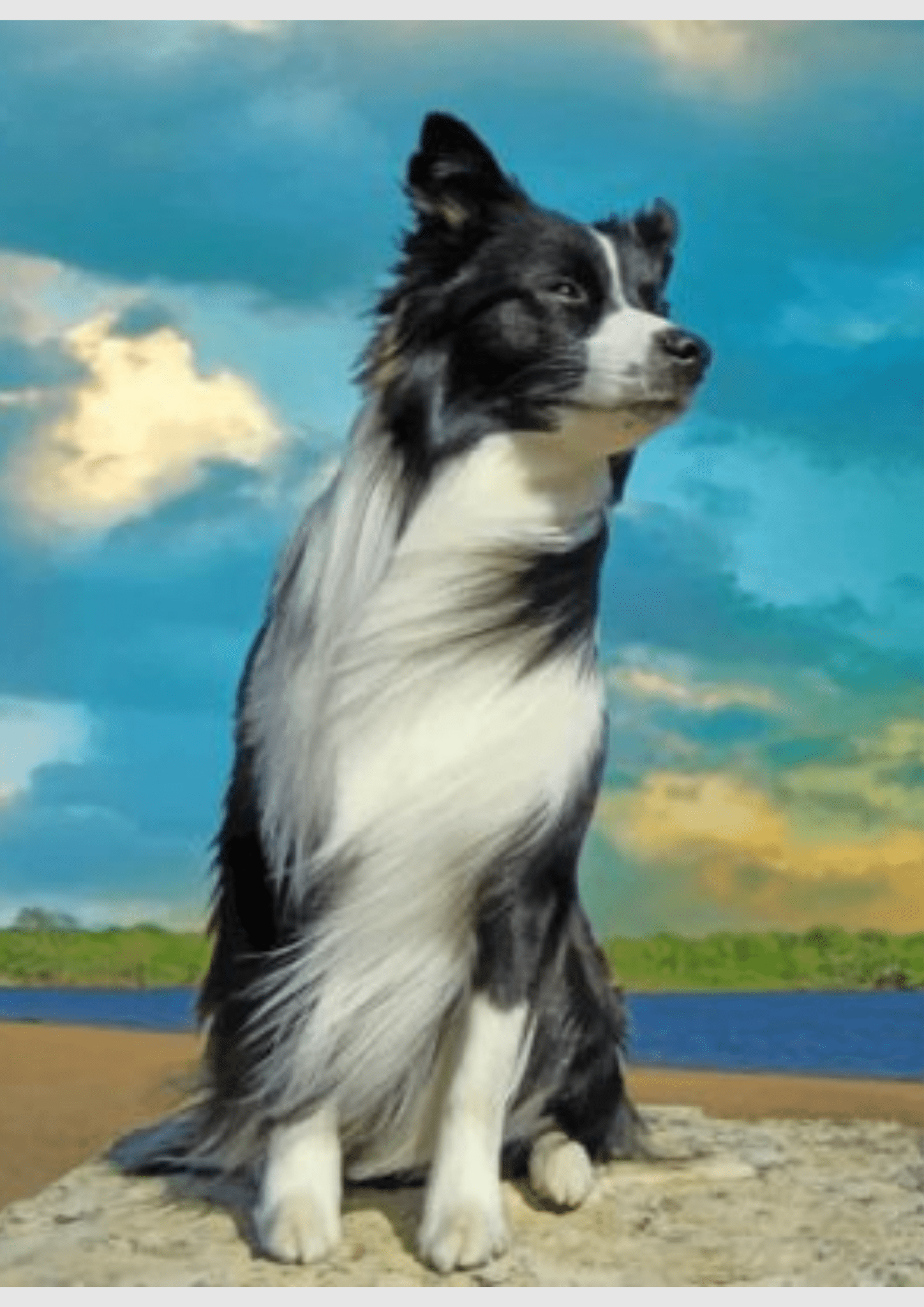
- A single pet against a plain background. Dogs and cats with clear markings are the easiest subject we handle. A black dog on a dark sofa is the hardest, because there is no contrast to trace.
- One or two people, head and shoulders, in daylight. Wedding photos taken by a professional are reliably excellent for the same reason: good light and deliberate framing.
- A house or a landscape with a clear horizon. Buildings, boats and trees have strong shapes that trace cleanly.
- A child's face, close up. Simple features and big sections.
And the ones that need a second look before ordering:
- Large groups. Six faces on a 16x20 canvas means each face is a few centimetres wide. Either go up to the 20x26 or Jumbo Square, or pick a photo with fewer people.
- Busy backgrounds. Foliage, patterned wallpaper, a crowd, a cluttered kitchen. All of it gets traced, and all of it competes with the subject.
- Motion blur and low light. The tracing cannot invent edges that the camera did not capture.
- Heavy filters. A filter that looks moody on Instagram often collapses the shadows into one colour. Send the unedited version and let the colour count do the work.
Pets are the subject people care most about getting right. Our guide on pet photo portraits goes into eye level and fur. For groups, see the guide to custom family photo kits.
Good Photo, Bad Photo: A Side-by-Side Checklist
| What we look at | Good photo | Bad photo |
|---|---|---|
| Short side | 390 px or more, ideally the original from the camera | Under 390 px, saved from a chat or a screenshot |
| Focus | Eyes sharp, edges of the subject crisp | Soft, moving, or zoomed in after the fact |
| Light | Soft daylight, gentle shadows | Flash, midday sun, orange evening lamp |
| Framing | Subject fills most of the frame, nothing cut off | Small figure far away, or a head touching the edge |
| Background | Plain or softly blurred | Foliage, patterns, crowds, clutter |
| Editing | Unedited, or a light crop | Heavy filter, stickers, text overlay |
If a photo passes the first row and at least four of the others, order it. If it fails the first row, find the original. If it fails light and framing together, pick another picture; no colour count rescues a dark, distant subject.
Which Size and Colour Count for a Photo Kit
The custom kit comes in the same five sizes and three colour counts as every ready-made design. For a single face or a single pet, the 16x20 (40x50 cm) with 36 colours is the combination we would pick nine times out of ten: $34.95 as a rolled canvas, $39.95 with the DIY frame kit. The 12x12 square at $26.95 with 36 colours is a lovely format for a pet portrait if the wall spot is small.
Photos with several people or a lot of skin tone benefit from 48 colours, because skin needs many close shades to look right. Photos with a bold subject and a plain background, a red barn, a black and white dog, do fine with 24. Whichever you choose, do not put a busy photo on the smallest canvas. Our comparison of the five kit sizes explains why.
Frequently Asked Questions
What resolution does a photo need for a custom paint by numbers kit?
The shorter side must be at least 390 pixels. Any recent phone photo sent as the original file clears that easily. Photos saved from messaging apps or screenshots often do not.
Can I use a photo of a pet that has passed away?
Yes, and many people do. The only constraint is the photo itself. If the best picture is small or dark, send it anyway and we will tell you what to expect before printing. A 36 or 48-colour kit helps in those cases.
Will you tell me if my photo is not good enough?
If a photo falls under the 390 pixel line, you hear from us about a better file rather than receiving a kit you will not enjoy. Light and framing are your call, which is why this article exists.
Related reading: Best Paint by Numbers Kits in 2026: Top Picks and Custom Paint by Numbers from Photo: The Complete Guide.