Não é possível comparar mais de 4 produtos ao mesmo tempo
Ver comparaçãoPhoto to Paint by Numbers Generator
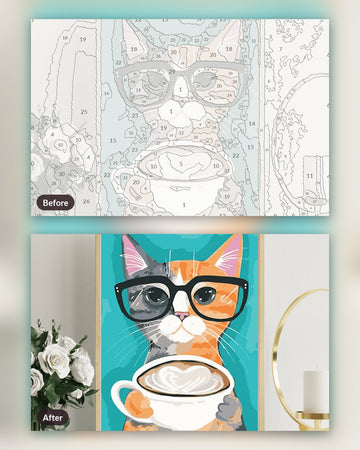
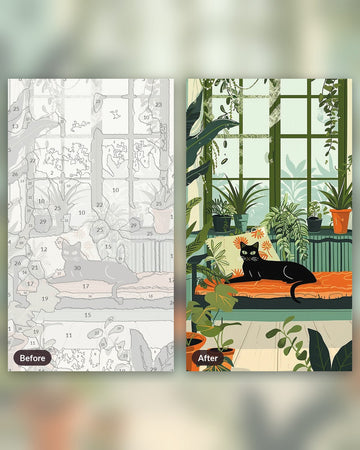
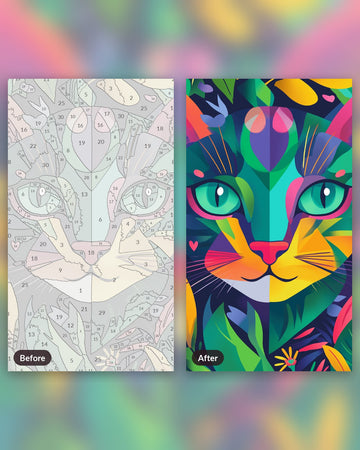
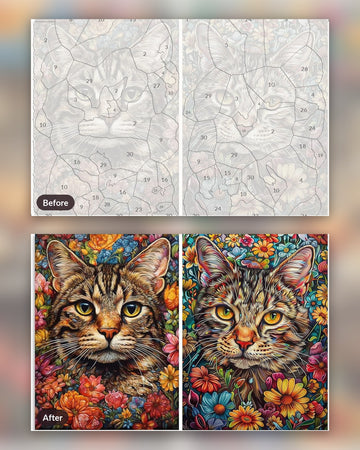
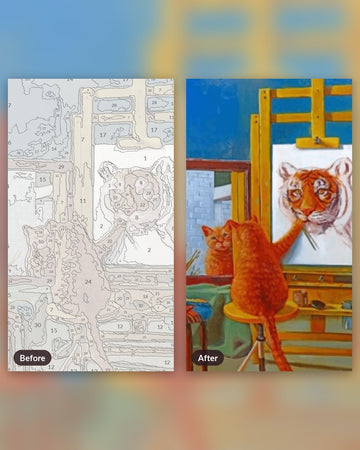
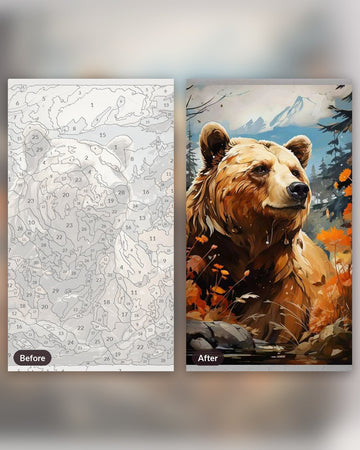
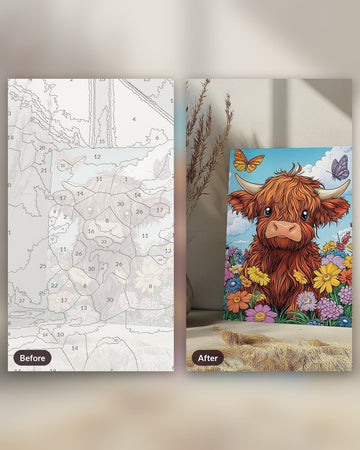
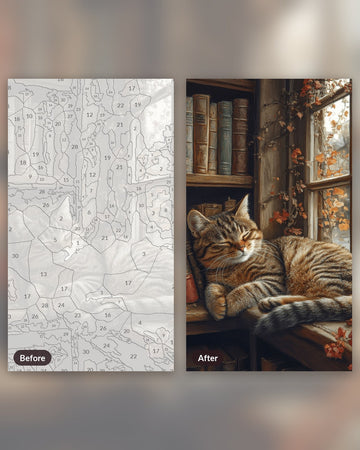
Turn a photo into a numbered paint by numbers pattern, free. Choose 12, 24 or 36 colors, check the preview, then download the pattern or order it as a real kit.
Your photo stays on your device. Nothing is uploaded. You can also drop an image on the bar above.
Painted preview
Numbered outline
Color palette
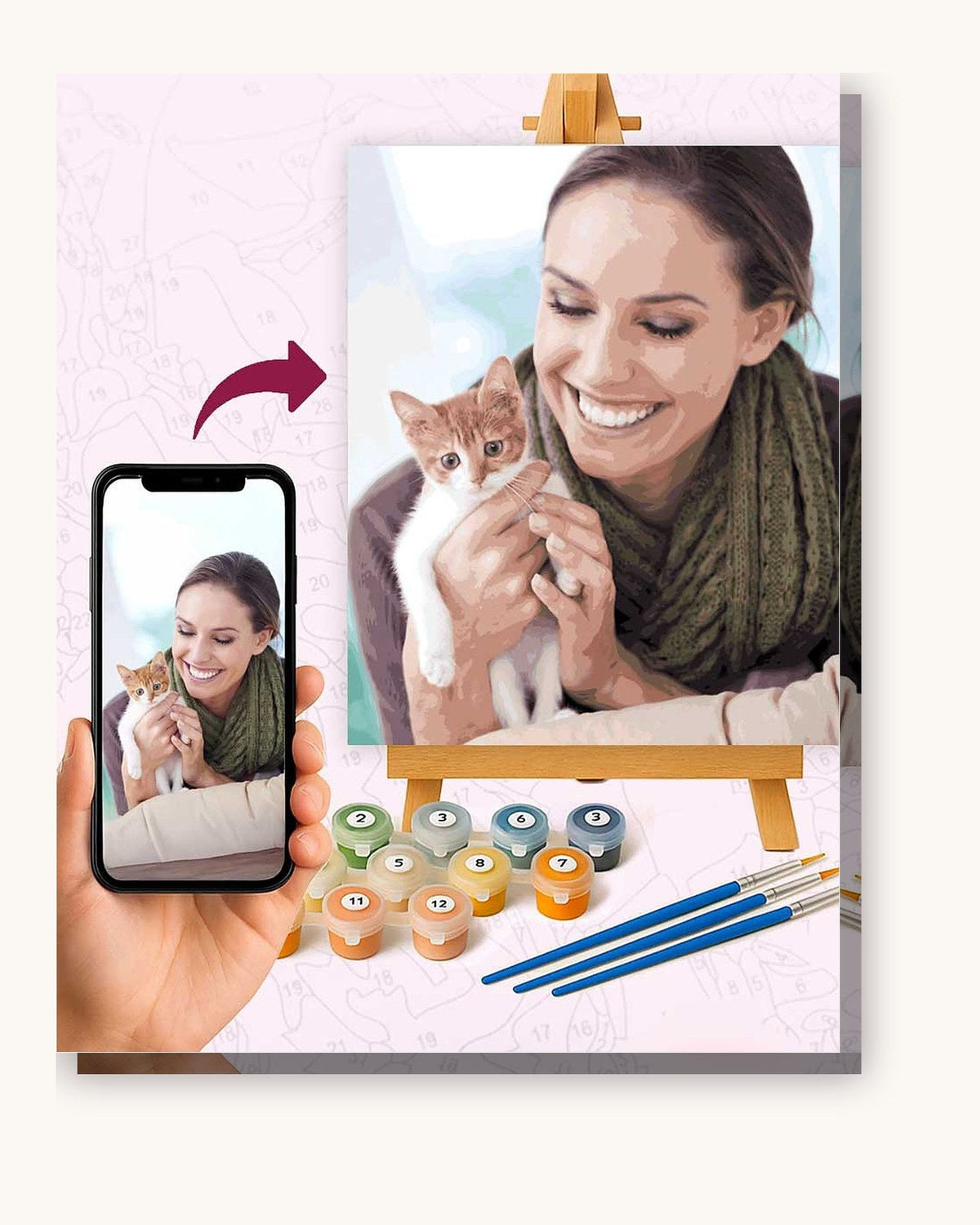
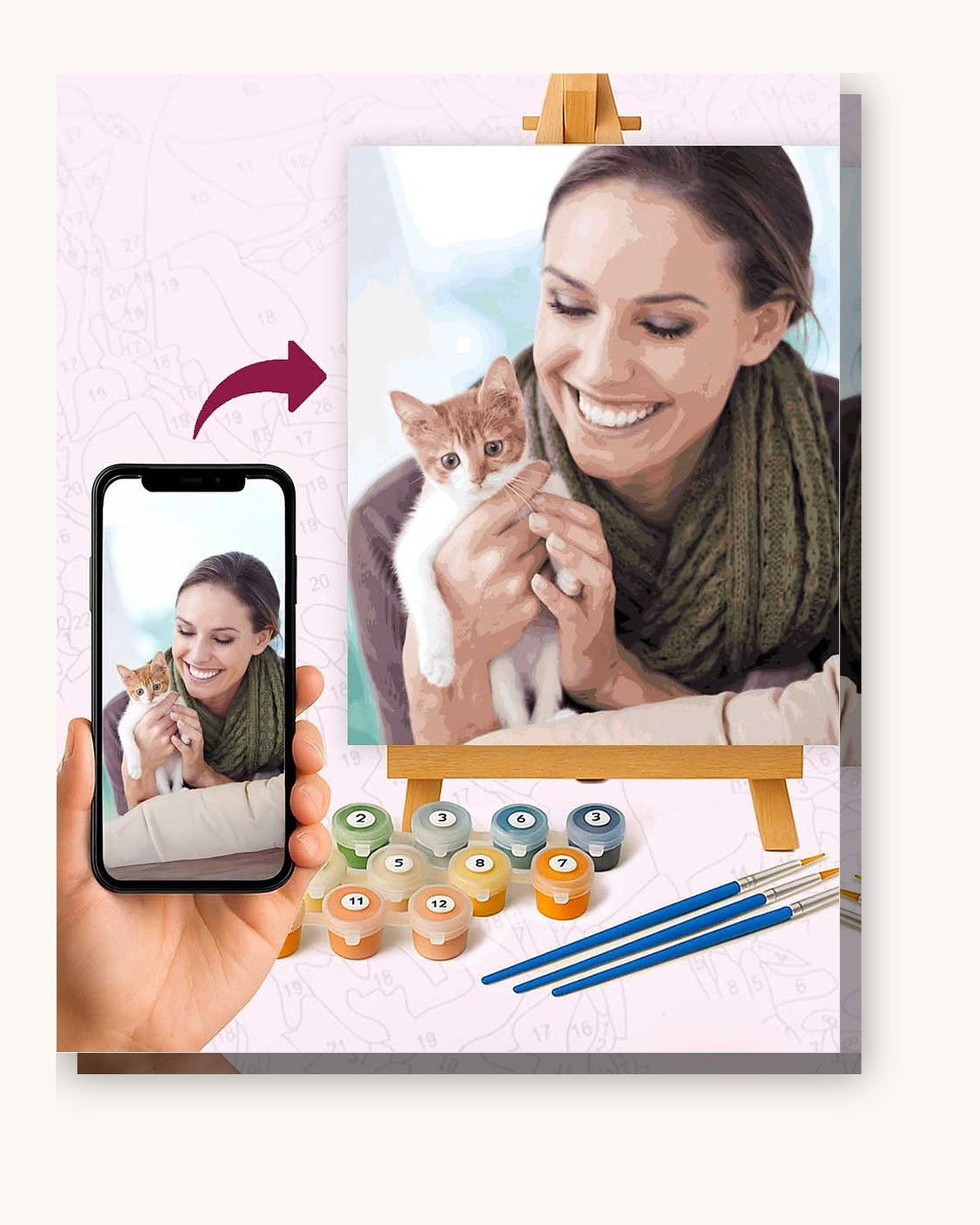
Order this as a real kit
The kit ships with acrylic paints matched to the numbers, brushes and a print of your photo.
How the generator works
Your photo is shrunk to a working size inside the browser and slightly blurred to remove grain. The page then groups every pixel into the number of colors you picked, using median cut to choose starting colors and a few rounds of k-means to refine them. Each pixel takes the nearest color.
Raw color grouping leaves speckles, so the result is smoothed. Isolated pixels join the majority around them, and zones below a minimum area are merged into the neighbour they share the longest border with. Remaining colors are numbered from lightest to darkest, and each number is placed at the widest point of its zone.
Choosing colors and detail
Fewer colors mean larger zones and faster painting. More colors keep gradients but add small zones that are hard to reach with a brush. The detail setting controls how small a zone may be before it is merged: Detailed keeps more, Simple keeps fewer and suits busy photos.
From screen to canvas
Download the pattern PNG to print the outline and the color key on your own printer. If you would rather not mix and buy paint yourself, the same photo can be made into a kit: pick a canvas size and 24, 36 or 48 colors, upload the photo on the custom kit page and we ship the canvas with matching acrylic paints and brushes. This page gives an approximation of the result, not a proof. The photo goes through an automatic check when you order, and a long side of at least 1,500 pixels gives the cleanest lines.
Questions
Is the generator free?
Yes. There is no account, no watermark and no limit on the number of photos. The pattern PNG is yours to print.
Is my photo uploaded anywhere?
No. The photo is read and processed by your browser on your own device. Nothing is sent to our servers, so you can try it with a family picture.
How many colors should I choose?
Twelve colors give a bold, poster-like result that is quick to paint. Twenty-four is a good balance for most photos. Thirty-six keeps more shading in skin, sky and fur, at the cost of smaller zones.
What size will the printed pattern be?
The PNG is about 1,200 pixels wide. At 150 dpi that prints around 8 inches wide, which is fine for a trial. For a larger painting, order a kit made from your full-resolution photo.
Why do some zones have no number?
A zone is only numbered when it is wide enough for a readable digit. Tiny zones are merged into their neighbour first, and the few that stay small are left blank. The color key still tells you which paint dominates the area.
Which photos work best?
Sharp pictures with a clear subject and good light. Busy backgrounds and very dark photos produce many small zones. Picking Simple in the detail setting helps with those.