















Du kan inte jämföra fler än 4 produkter åt gången
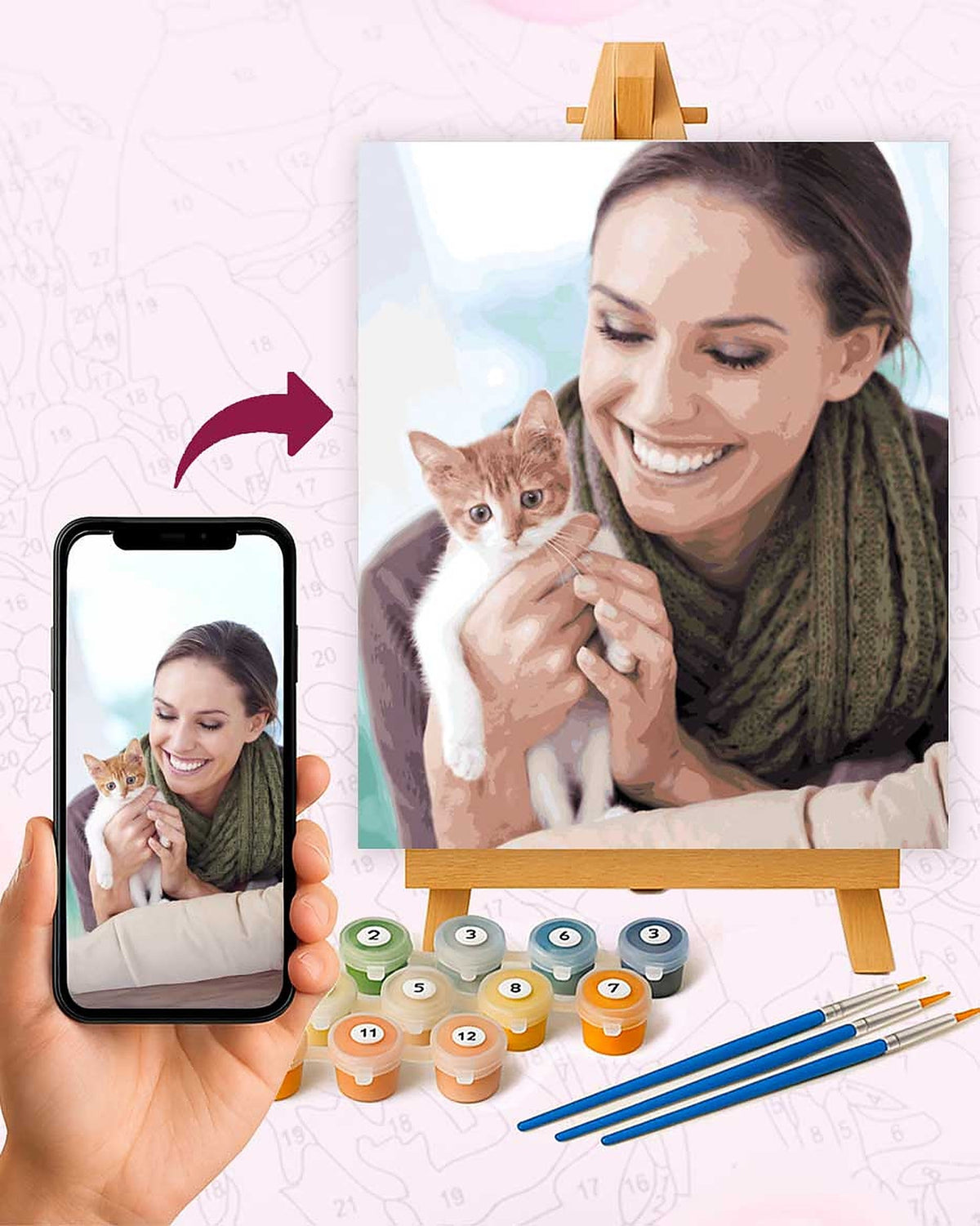
Visa jämförelseTurn a photo into a paint by numbers
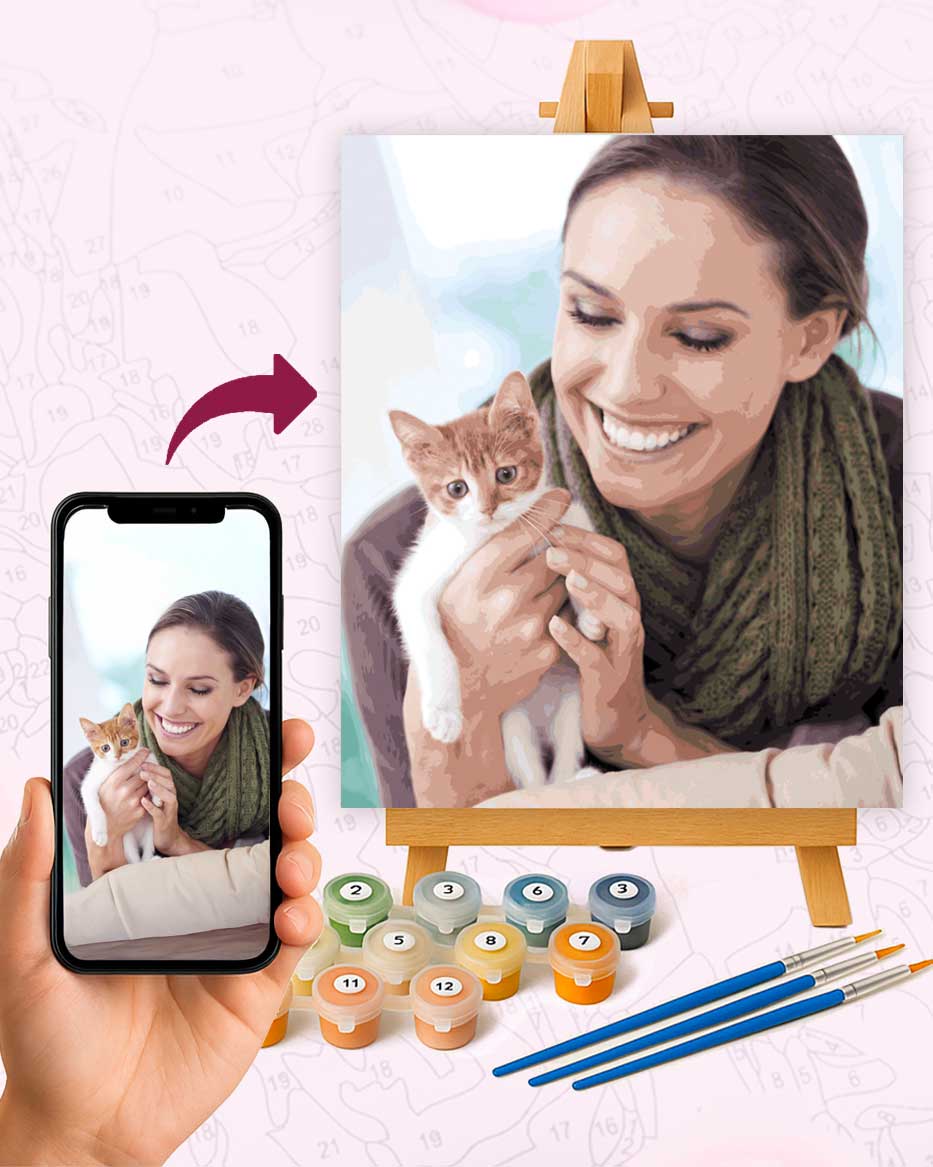
Choose a photo, pick how many colors you want, and print the numbered canvas for free. No account, no email.
Your photo is processed by your own browser. It is never uploaded to our servers.
The printable comes straight from an algorithm. For a kit, we check your photo before printing, and the acrylics come mixed to match it.
Your numbered canvas appears here a few seconds after you choose a photo.
Paint by Numbers Generator: Photo to Printable Canvas
How the generator works
The tool shrinks your photo, smooths out sensor grain, then groups similar pixels into the number of colors you chose. Areas too small to hold a brush stroke get merged into their neighbour, and each remaining area receives the number of its color, placed where the area is widest. Colors are numbered from lightest to darkest.
All of this runs in your browser. The photo is not sent anywhere, which is also why the result appears in a few seconds even on a phone.
Which settings to pick
Colors. 12 colors suit a cartoon, a logo or a first try with children. 24 is the usual choice for a pet or a landscape. 36 and 48 keep the subtle shades of skin and fur, at the cost of many more small areas.
Detail. Relaxed gives large areas that are easy to fill. Fine keeps eyes, whiskers and lettering readable, but expect several hundred areas more.
The counter under the preview shows how many areas you will paint. Change a setting and it updates, so you can compare before printing.
Printing the PDF
The PDF is Letter size. Page 1 is the numbered outline, page 2 the color key with each color's hex code and its share of the picture, plus a small painted preview to keep next to you. Print page 1 on thick paper or card (200 g/m² or more) if you plan to use acrylics, since regular printer paper wrinkles under wet paint.
To mix the colors yourself, match each swatch on page 2 by eye or with the hex code in a paint shop. Most shops can tint a small pot from a hex value.
Common questions
Is the generator really free?
Yes. There is no account, no watermark over the outline and no limit on the number of photos.
Why does my photo look different from the painted preview?
A photo holds thousands of colors and the generator keeps 12 to 48. Shadows, gradients and very small details are the first to go. A sharp photo taken in daylight with one clear subject gives the closest result.
Can I use an iPhone HEIC photo?
Safari opens HEIC files directly. Chrome and Firefox cannot, so either open this page in Safari or set Settings, Camera, Formats to Most Compatible to save new photos as JPG.
What is the difference with a custom kit?
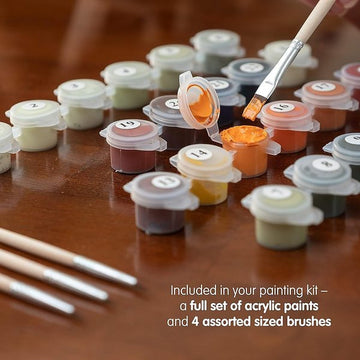
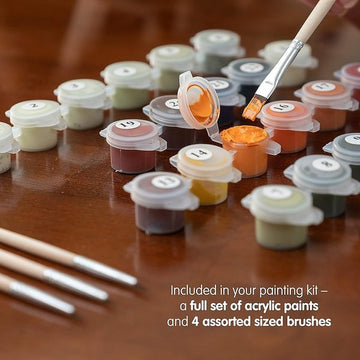
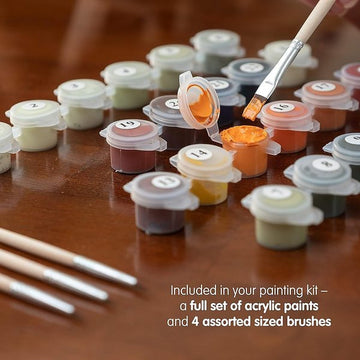
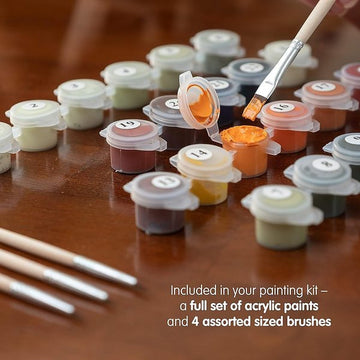
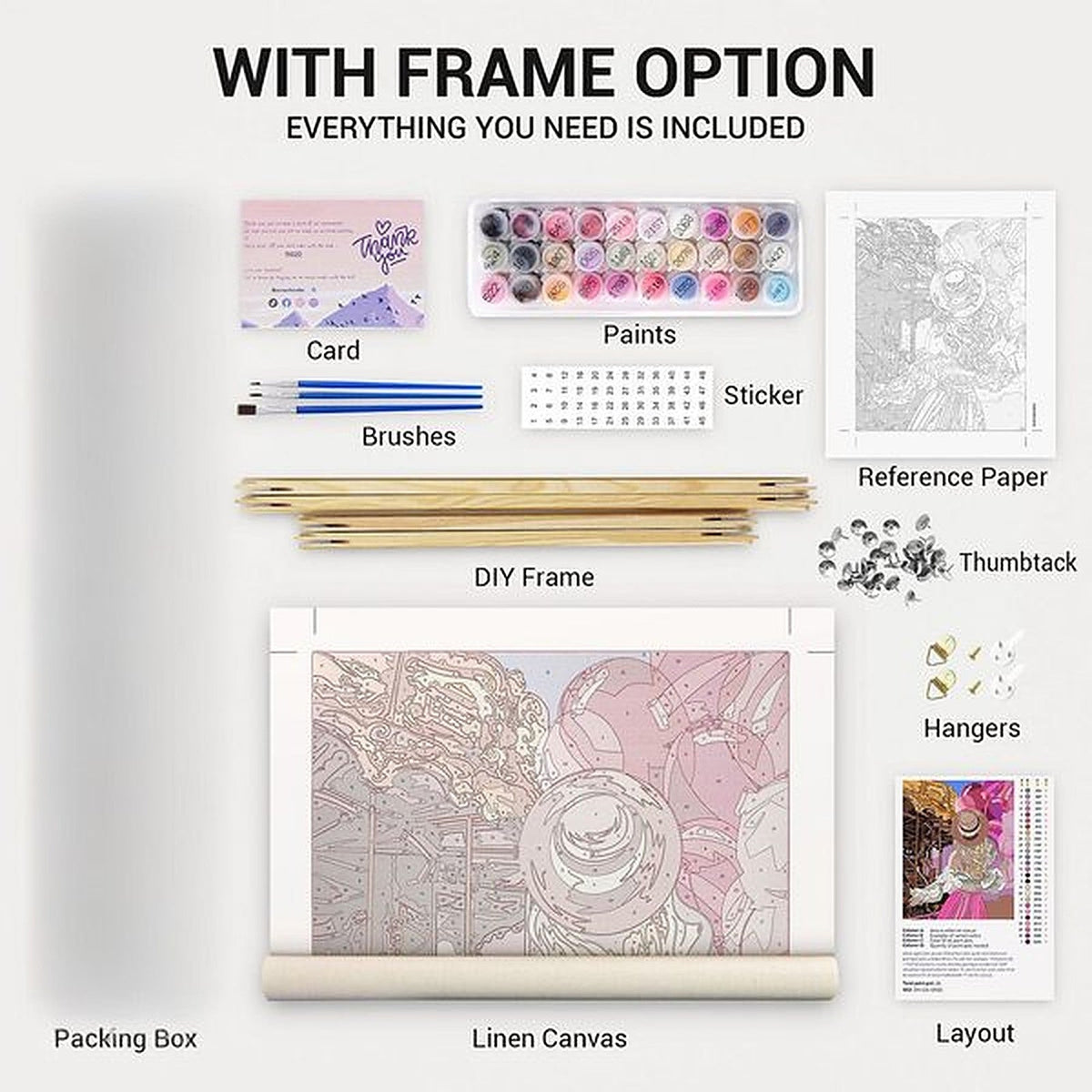
The free PDF is the outline only, printed at home on paper. A custom kit is printed on canvas, from 12"x12" up to 23.5"x23.5", unframed or with a DIY frame kit, ships with the acrylics mixed for your photo and the brushes, and we check the file before it goes to print. The photo guide explains what makes a photo work well for either.
Advice by type of photo
Pets and people raise different problems: a black cat loses its eyes at 12 colors, a curly coat breaks into tiny areas, a wedding photo spends its numbers on the dress. Same generator, with advice for each: cat photos, dog photos, other pets, and people, couples and places.
Comparing shops? Here is how our kit stands against Davincified and Number Artist on price, delivery and returns, with a source for each line.