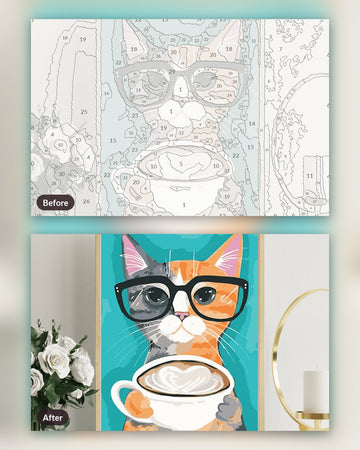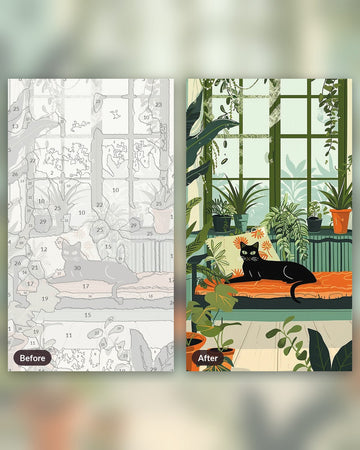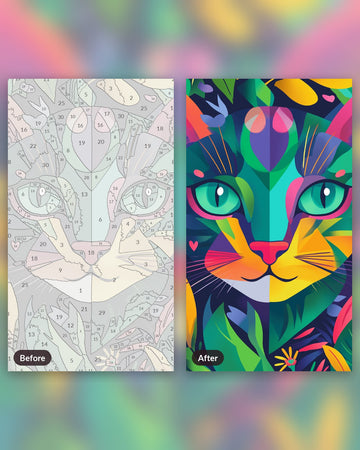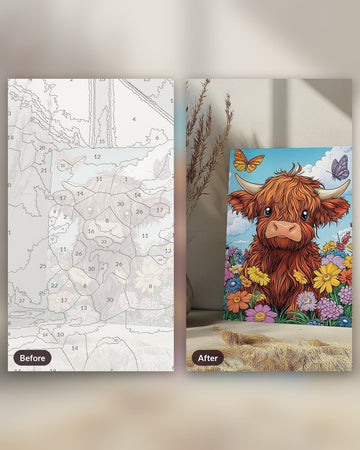
You will not be allowed to compare more than 4 products at a time
View comparePaint by numbers generator: turn a photo into a free printable
Choose a photo, pick how many colors you want, and print the numbered canvas for free. No account, no email.
Want to see the colour areas before printing? Try the photo to paint by numbers preview, which shows the result at 12, 24 or 36 colours in your browser.
Your photo is processed by your own browser. It is never uploaded to our servers.
The printable comes straight from an algorithm. For a kit, we check your photo before printing, and the acrylics come mixed to match it.
Your numbered canvas appears here a few seconds after you choose a photo.
Paint by Numbers Generator: Photo to Printable Canvas
How the generator works
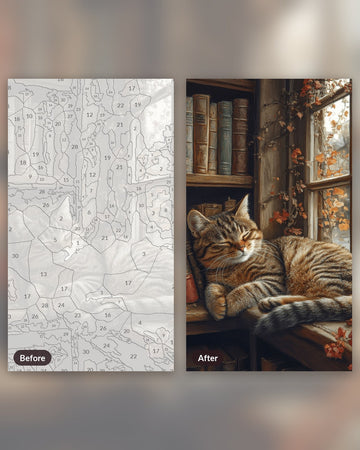
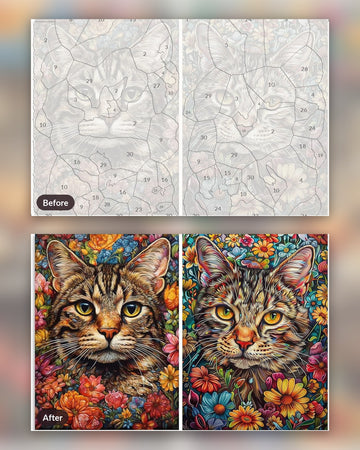
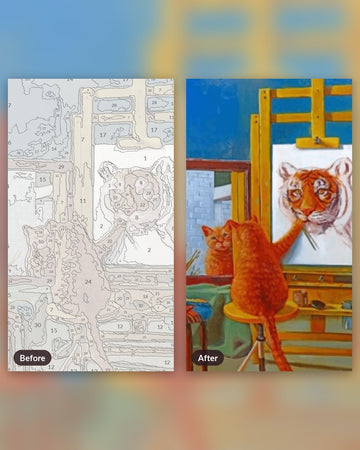
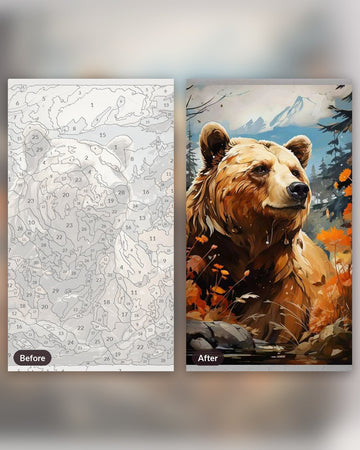
The tool shrinks your photo, smooths out sensor grain, then groups similar pixels into the number of colors you chose. Areas too small to hold a brush stroke get merged into their neighbour, and each remaining area receives the number of its color, placed where the area is widest. Colors are numbered from lightest to darkest.
All of this runs in your browser. The photo is not sent anywhere, which is also why the result appears in a few seconds even on a phone.
Paint by number or color by number?
Same idea, different medium. A color by number sheet is filled with pencils or markers, a paint by number with a brush. The PDF this generator makes works for both: print it on regular paper for pencils, on card for paint. Pick 12 or 24 colors for markers, since few sets go beyond that.
Which settings to pick
Colors. 12 colors suit a cartoon, a logo or a first try with children. 24 is the usual choice for a pet or a landscape. 36 and 48 keep the subtle shades of skin and fur, at the cost of many more small areas.
Detail. Relaxed gives large areas that are easy to fill. Fine keeps eyes, whiskers and lettering readable, but expect several hundred areas more.
The counter under the preview shows how many areas you will paint. Change a setting and it updates, so you can compare before printing.
Printing the PDF
The PDF is Letter size. Page 1 is the numbered outline, page 2 the color key with each color's hex code and its share of the picture, plus a small painted preview to keep next to you. Print page 1 on thick paper or card (200 g/m² or more) if you plan to use acrylics, since regular printer paper wrinkles under wet paint.
To mix the colors yourself, match each swatch on page 2 by eye or with the hex code in a paint shop. Most shops can tint a small pot from a hex value.
Want to try before using your own photo? There are six ready-to-print sheets made with this tool from public domain paintings: Starry Night, Sunflowers, the Great Wave and others.
Common questions
Is the generator really free?
Yes. There is no account, no watermark over the outline and no limit on the number of photos.
Why does my photo look different from the painted preview?
A photo holds thousands of colors and the generator keeps 12 to 48. Shadows, gradients and very small details are the first to go. A sharp photo taken in daylight with one clear subject gives the closest result.
Can I use an iPhone HEIC photo?
Safari opens HEIC files directly. Chrome and Firefox cannot, so either open this page in Safari or set Settings, Camera, Formats to Most Compatible to save new photos as JPG.
Is my photo uploaded anywhere?
No. The photo is processed by your own browser and is never sent to our servers. Only the PDF you choose to download leaves the page.
What is the difference with a custom paint by numbers kit?
The free PDF is the outline only, printed at home on paper. A custom kit is printed on canvas, from 12"x12" up to 23.5"x23.5", unframed or with a DIY frame kit, ships with the acrylics mixed for your photo and the brushes, and we check the file before it goes to print. If the photo check shows “Good to print” and the kit still does not look like your photo, we reprint it for free (refund policy). The photo guide explains what makes a photo work well for either.
Advice by type of photo
Pets and people raise different problems: a black cat loses its eyes at 12 colors, a curly coat breaks into tiny areas, a wedding photo spends its numbers on the dress. Same generator, with advice for each: cat photos, dog photos, other pets, and people, couples and places.
Comparing shops? Here is how our kit compares with the rest of the market on price, delivery and returns.